mirror of
https://github.com/not-lum/imgcat
synced 2026-01-15 03:41:41 +00:00
No description
| logo | ||
| src | ||
| imgcat.nimble | ||
| LICENSE | ||
| nim.cfg | ||
| README.md | ||


imgcat
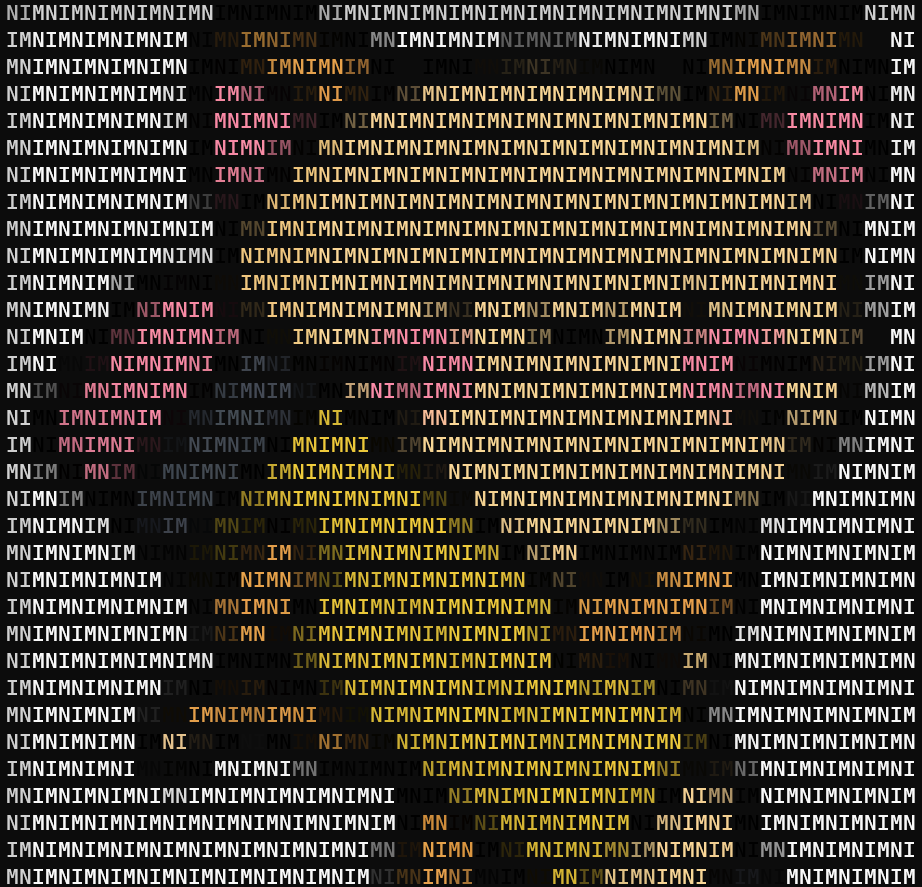
This utility prints pictures in your console


Installation
You can install it via nimble:
$ nimble install imgcat
Usage
To print an image write:
$ imgcat <IMAGENAME>
To get help write:
$ imgcat --help
Utils
You can also use imgcat as a Nim library:
import imgcatpkg/utils

echo $imgcat("imagename.png",
            pattern="NIM",
            width=0,
            height=0,
            black_and_white=false,
            transparency=false)
Pixel type:
type
  PixelKind* = enum
    rgbPixel,
    bwpixel,
    transparentPixel,
    newLine
  Pixel* = object
    case kind*: PixelKind
      of rgbPixel:
        r*: uint8
        g*: uint8
        b*: uint8
        rgbPattern*: string
      of bwPixel:
        black*: bool
        bwPattern*: string
      of transparentPixel:
        discard
      of newLine:
        discard
imgcat proc:
proc imgcat*(imagename: string;
             pattern="█";
             width=(-1);
             height=(-1);
             black_and_white=false;
             transparency=false): seq[Pixel]
$ operators
proc `$`*(pixel: Pixel): string
proc `$`*(pixels: seq[Pixel]): string
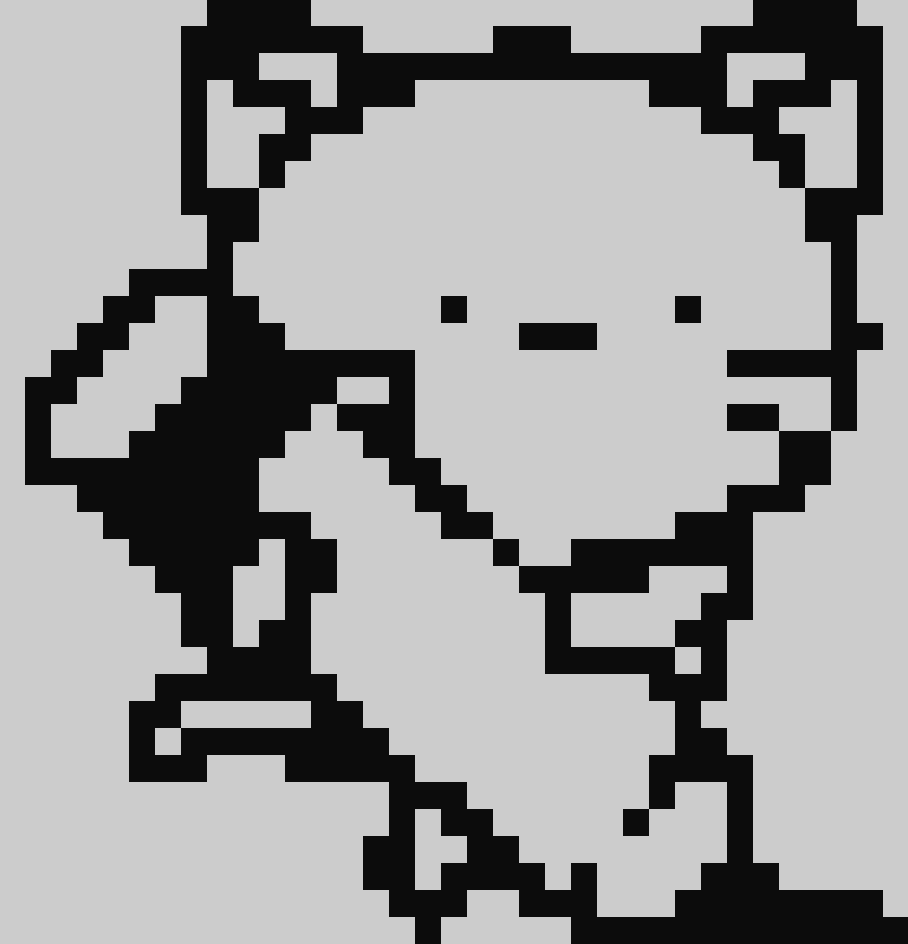
Gallery

Icon made by Freepik from www.flaticon.com